Lenovo budget tablets are frequently abandoned after just 1 major Android update. Furthermore, the unoptimized software causes visible frame drops when swiping between apps.
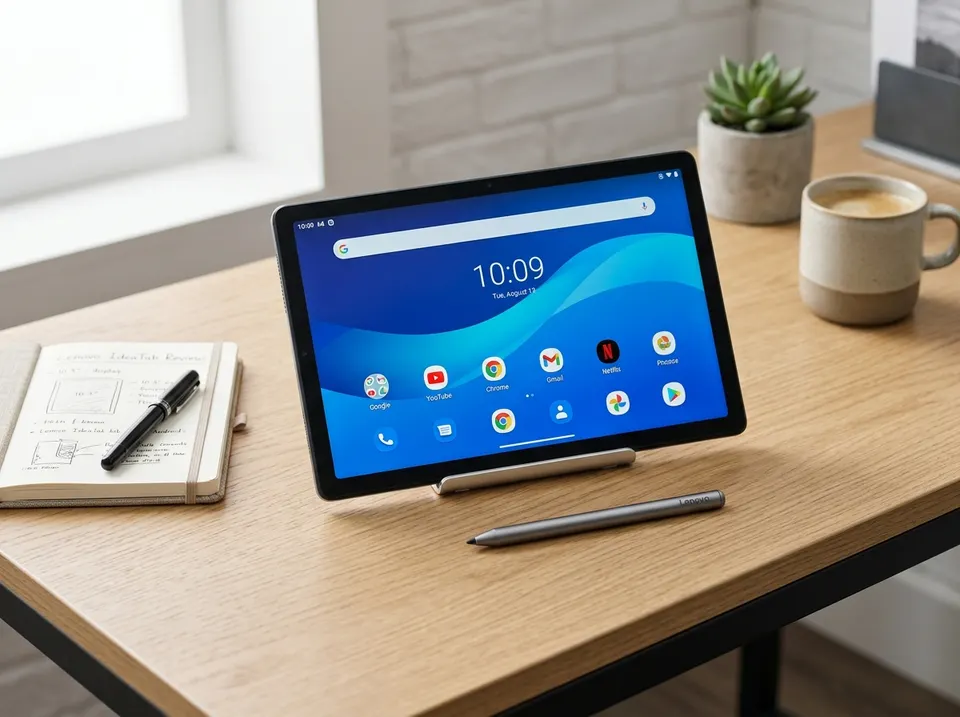
The Lenovo IdeaTab Touchscreen Tablet enters the competitive budget Android tablet space around $149, positioning itself as an affordable iPad alternative for students, families, and casual media consumers. Featuring a 10-inch Full HD display, sleek aluminum back trim, and expandable storage, it looks compelling on Amazon deal listings.
However, the downside first: software optimization flaws, sluggish UI stuttering, screen backlight bleed, and Lenovo’s brief update support make this tablet age quickly.
1. Sluggish UI Frame Drops & Lag
While the octa-core MediaTek processor looks decent on spec sheets, Lenovo’s custom ZUI software skin is poorly optimized.

- Swipe Lag: Pulling down the notification shade or swiping home from a video app exhibits visible stuttering and frame drops.
- App Switching Bottleneck: The 4GB of RAM coupled with slow eMMC flash storage means switching between Chrome, YouTube, and PDF readers results in frequent app reloads.
2. Low-Grade Display & Backlight Bleed
While advertised as a 1920x1200 HD display, the IPS LCD panel reveals several budget compromises:
- Backlight Bleed: In dark rooms when watching movies with black letterbox bars, noticeable white glow bleeds through the corners of the screen.
- Poor Outdoor Sunlight Visibility: Peak brightness hovers under 350 nits. Using this tablet outdoors on a sunny patio produces extreme glare and washed-out colors.
3. The Abandonware Software Update Problem
Unlike Apple (which supports iPads for 5-7 years) or Samsung (offering 3-4 years of updates), Lenovo budget tablets have a reputation for software abandonment.
- Most budget Lenovo slates receive at most one major Android OS upgrade.
- Once security patches cease after two years, app compatibility slowly degrades, leaving you with an outdated operating system.
4. Bloatware & Forced “Entertainment Space”
Out of the box, the system partition comes pre-loaded with third-party bloatware games and Lenovo utility apps that cannot be completely uninstalled.
Furthermore, swiping left from the main home screen forces open Google’s “Entertainment Space”—an ad-heavy media recommendation hub that consumes background RAM and cannot be permanently disabled without deep setting tweaks.
5. Summary: Decent for Bedtime Movies, Bad for Longevity
If you only need a cheap $149 screen for watching Netflix in bed or giving to a young child for casual YouTube videos, the Lenovo IdeaTab fulfills basic tasks.
However, if you want fluid multitasking, gaming, or a tablet that stays snappy with software updates for 4+ years, spend $20 more for the Samsung Galaxy Tab A9+ or save up for a base Apple iPad.
Editorial disclosure: FlawCheck did not physically test this product. This research-based assessment uses published specifications and available independent or attributable owner evidence. Verify current pricing, policies, compatibility, and product revisions before purchase.