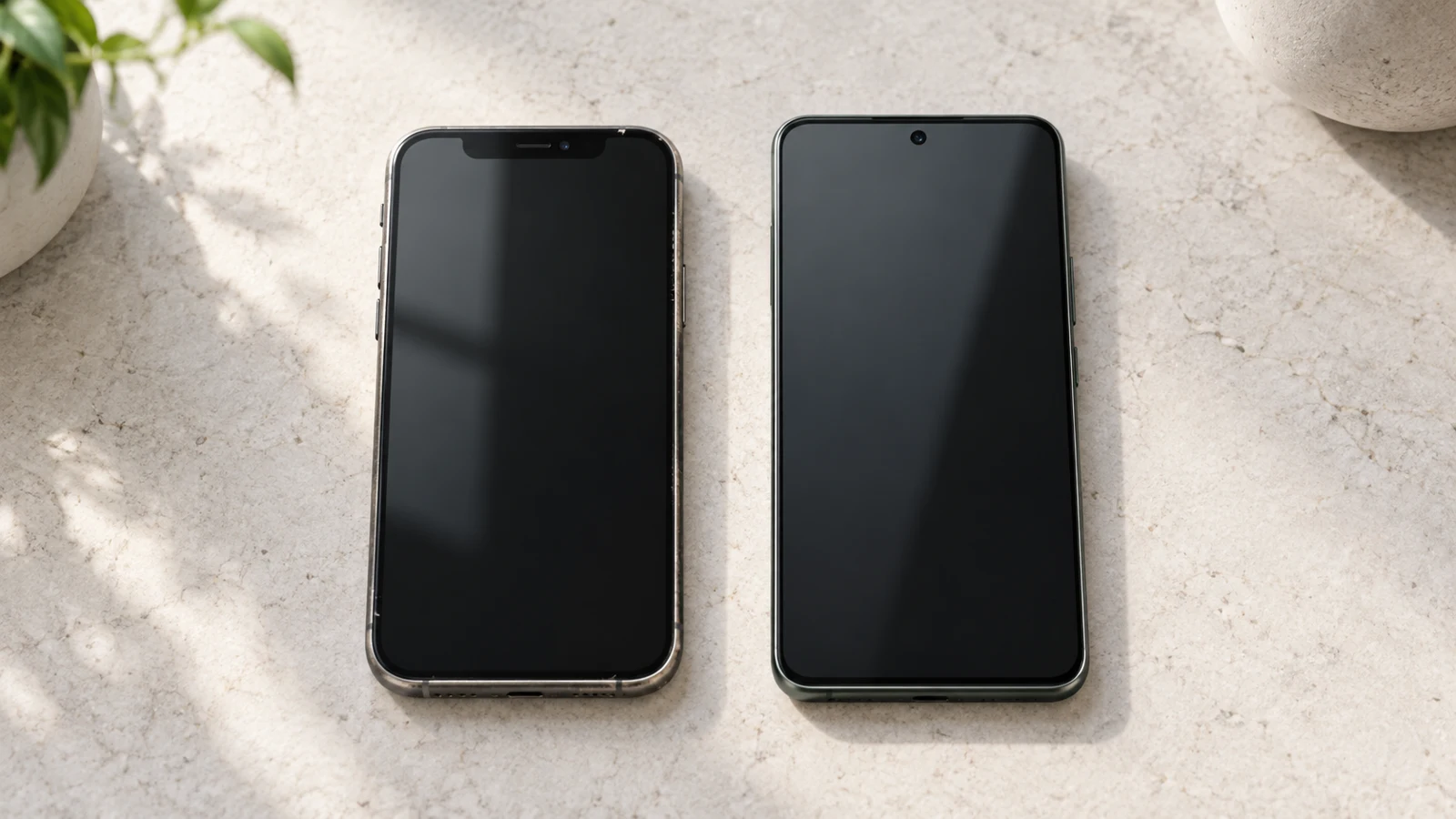
Buy the used iPhone when its particular features or your existing Apple setup justify the condition checks and possible extra costs. Choose the new Android when its storage, display, support policy or purchase condition better fits your budget. The answer depends on the two offers in front of you.
An older iPhone can put a feature you want within reach. It can also bring a battery or repair problem that makes the advertised saving disappear. A new Android avoids a previous owner’s wear, but “new” does not mean the latest model or a fresh multiyear software-support clock.
This guide uses two US price examples: a refurbished iPhone 14 against a new Moto G Stylus 2025, and a refurbished iPhone 15 Pro against a new Galaxy A57. We compare documented features and purchase terms. We have not inspected the offered phones or tested these pairs side by side.
Used iPhone vs New Android: Which Should You Buy?
Start with the feature you would actually miss, then check what you must accept to get it.
If you already use an Apple Watch and want to keep its normal pairing workflow, staying with a compatible iPhone may make sense. If a specific recording mode or a dedicated telephoto lens matters, look for the iPhone model that provides it. Neither reason makes every used iPhone a good purchase.
For someone starting without those requirements, a new Android deserves equal attention. A larger storage configuration or a display that better suits your use can be more useful than an older flagship badge.
Our practical recommendation is to make three checks before choosing: does the model meet your needs, is this particular unit acceptable, and can the complete purchase fit your budget? A phone that fails one of those checks needs a different offer, even if its specifications look impressive.
For the broader generation-versus-condition choice, see Old Flagship vs New Mid-Range.
Decision in 30 seconds
Same Price, Different Trade-Offs
Compare the offer you can buy — then the use you need.
Battery condition
Used / refurbished: A cosmetic grade or program minimum does not reveal the actual unit's battery health. New removes previous-owner wear; it does not prove longer runtime.
Check the unit and price any work you need.
Support remaining
Both routes: Check the exact model's current OS and security policy. The support clock may start at launch, rather than your purchase date.
Plan from the time remaining at purchase.
Buying protection
Exact offer: Identify the seller, return window, warranty provider and exclusions. Refurbished protection is not automatically Apple coverage; new-phone returns may carry fees.
Choose a remedy you can actually use.
Cost to start using it
Known-cost subtotal: Phone + required immediate work + necessary accessories or switching purchases + delivery, fees and tax. Unknown costs stay unknown.
Keep possible future repairs as separate scenarios.
If you intend to stay with Apple, compare a used Pro Max with a new regular iPhone instead. That decision weighs size, telephoto, condition and storage without adding a platform switch.
What Can You Get for the Same Price?
“Same price” here means approximately the same budget. The following offers were checked on October 9, 2026. Prices are displayed outright prices before tax, with no trade-in credit counted. Delivery charges, stock and checkout conditions need confirming for your destination. The $501 iPhone 15 Pro is $51.01 above the $449.99 A57, so the second pair is a nearby-budget comparison, not an equal-price offer. The A57 page also shows a financing amount inconsistent with its outright price; use the dated outright figure here and confirm the final checkout price before buying.
The iPhones are third-party refurbished offers on Back Market. They are not private-sale used phones, Apple Certified Refurbished devices or Amazon Renewed listings. Those purchase routes can have different terms.
| Budget | Refurbished iPhone offer | Android sold new | Price difference |
|---|---|---|---|
| Around $300 | iPhone 14, 128GB, Red, Fair condition, Standard battery; seller refindtech — $281 | Moto G Stylus 2025, 256GB, Gibraltar Sea, sold by Best Buy — $299.99 | Android costs $18.99 more |
| Around $450–510 | iPhone 15 Pro, 128GB, Blue Titanium, Fair condition, Standard battery; seller Lost Our Mind — $501 | Galaxy A57, 128GB, Icy Blue, sold by Best Buy — $449.99 | iPhone costs $51.01 more |
On a small screen, swipe sideways or focus the table and use the arrow keys.
All four offers are listed as unlocked. Confirm the regional variant and your carrier’s requirements before ordering; an unlocked label does not settle every compatibility question.
The first pair has a meaningful storage difference: 128GB versus 256GB. Use Is 128GB Enough? to estimate your storage needs. Someone recording a lot of video should consider whether the smaller configuration would force extra purchases or frequent file management.
The display comparison also changes by pair. PhoneArena’s iPhone 14 review identifies its 60Hz screen; the Moto review lists 120Hz. In the second pair, both models offer up to 120Hz, according to Apple and Samsung. A refresh-rate specification does not guarantee equivalent display behavior or game frame rates.
Battery Life and Replacement Costs
The used iPhone’s model tells you what it was designed to do. Its current battery and service history help determine what the offered unit can deliver now.
Back Market’s published quality standards state a minimum 80% battery-capacity requirement for standard-grade devices. That is a program commitment, not the actual health of either listed phone. It does not promise a new battery or a particular day’s endurance.
Ask for available battery information and examine it after delivery. If the phone needs service, establish an acceptable quote before treating the offer as a saving. Do not assume a cosmetic grade tells you the battery’s condition.
For the battery check itself, use our used iPhone battery-health buying guide, which weighs 85% and 90% readings against repair history, price and your charging needs.
Buying Android new removes uncertainty about a previous owner’s use. It still does not prove that the model will outlast the iPhone between charges. Capacity, charging power and runtime are different things. New stock may also be an older model.
For an existing phone, first weigh replacing the battery against buying another phone.
Calculate the costs you actually need to pay
Add the phone, required immediate work, necessary accessories, switching purchases, delivery, fees and tax. Keep possible future repairs separate until there is a reason to price them.
These are conditional scenarios, not confirmed two- or three-year ownership totals. The no-repair rows apply only if no immediate work is needed. The service row uses B14 for a verified iPhone 14 battery-service quote; it is an unknown input until you obtain one.
| Scenario | Phone price | Immediate battery work | Subtotal before other costs |
|---|---|---|---|
| iPhone 14, no immediate work needed | $281 | $0 | $281 |
| Moto, no immediate work planned | $299.99 | $0 | $299.99 |
| iPhone 15 Pro, no immediate work needed | $501 | $0 | $501 |
| Galaxy A57, no immediate work planned | $449.99 | $0 | $449.99 |
| iPhone 14, if battery service is required | $281 | B14 — obtain a current quote | $281 + B14 |
On a small screen, swipe sideways or focus the table and use the arrow keys.
The last row leaves battery service as B14, rather than treating an old estimate as a current quote. We could not reconfirm the third-party price during the publication check, or establish current model-selected Apple quotes for either iPhone. Apple’s service page says inspection determines the final fee and authorized providers may set their own prices. Obtain an acceptable model-specific quote, including any applicable fees, before adding it to the purchase price.
In the first pair, the iPhone’s purchase-price advantage is only $18.99. More than that in additional net costs relative to the Moto removes the initial saving.
That does not automatically make the iPhone a bad choice. It means you would be paying extra for the features you want. Do not call that a saving, and do not use an uncertain future resale price to make the arithmetic work.
Camera and Video: Compare the Actual Models
Ask what you shoot. A child indoors, walking video, distant detail and a still night scene are different challenges. The answer cannot be reduced to megapixels or the number of cameras.
The iPhone 14 specifications include 4K recording at 60fps and Dolby Vision. PhoneArena reports 4K at 30fps on the Moto. If 4K60 is a requirement for your workflow, that is a concrete reason to consider the iPhone.
In the higher-budget pair, the 15 Pro has a dedicated 3x telephoto camera and additional recording options, including Log. Samsung’s A57 lens list includes main, ultrawide and macro cameras, without a dedicated telephoto. These are capability differences; they do not establish that every photo or zoom image favors Apple.
Check the offered phone’s cameras for focus problems, damage and function. A model’s camera reputation cannot certify a refurbished camera module.
We do not have a matched test of these offered units photographing motion or shooting in low light. The defensible conclusion is that particular iPhone features may justify the choice when you need them. A general “iPhone cameras are better” verdict would go beyond the evidence.
Performance and Gaming: Is the Older iPhone Faster?
Our guide to what makes a phone fast explains why a processor specification alone cannot settle sustained gaming or everyday responsiveness.
An older flagship can remain useful, but launch status does not settle the comparison. Consider the apps, games, settings and session length you expect to use.
PhoneArena found the Moto suitable for daily tasks and moderate gaming, while warning against expecting demanding 3D games at high settings. GSMArena’s A57 review reported fluid everyday use and stable stress-test behavior on its sample.
Those observations help establish that the Android choices can handle ordinary use. They are not side-by-side measurements against the currently listed iPhones.
For gaming, a short benchmark result leaves unanswered questions: how does performance change during a long session, are frame times consistent, and what settings produce an acceptable experience? Display refresh rate alone cannot answer them.
We cannot name a gaming winner for either pair from the available evidence. If a specific demanding game is the main reason for buying, seek a test of that game on the exact models and inspect the used phone’s condition. For messaging, browsing and light games, other differences may matter more than a peak score.
Gaming evidence gap: These pairs have not been tested under a shared game, settings, temperature and session length. Use the cited reports within their limits; check the actual used unit before expecting the same performance.
How Many Years of Software Support Are Left?
Count support from the model’s applicable starting point, then consider how much remains at purchase.
Apple’s current compatibility list includes both iPhone 14 and 15 Pro for iOS 27. This establishes current eligibility. It does not provide a guaranteed future cutoff or prove either will receive every update through 2029.
The Android examples have different support policies. Motorola’s production support page for Moto G Stylus 2025 currently lists security updates ending in March 2028, an Android 16 upgrade and Android 17 as the next OS. Motorola describes this as its current plan, with regional and channel caveats.
From October 2026, that security endpoint is under two years away. Buying the phone new does not restart the clock. A buyer intending to keep it through October 2029 should consider a different support horizon.
Samsung states up to six OS generations and six years of security updates for the A57 from first global launch, with timing and availability varying by model and market. Its documented horizon is clearer for a longer ownership plan among these examples.
OS eligibility also differs from feature eligibility. Apple’s device requirements include the 15 Pro for Apple Intelligence but exclude iPhone 14; individual features still have software, language and region conditions.
Warranty, Returns, and Used-Phone Risks
Identify who handles a problem and what the terms actually cover. “One-year warranty” alone leaves important questions unanswered.
The selected Back Market pages advertise 30-day free returns. Its seller warranty certificate places the limited warranty with the seller and describes 12 months after delivery for covered defects. It is separate from Apple coverage, includes exclusions, and does not cover purchases outside the contiguous 48 US states.
Consult the seller before arranging third-party work. Unauthorized work connected to the defect can affect that warranty. Do not assume a minimum capacity commitment pays for every future battery replacement.
Best Buy’s return policy generally gives activatable devices 14 days and can apply a $45 restocking fee, with exceptions. New therefore does not automatically mean a longer or unconditional free return window.
Skip an attractive iPhone offer if Activation Lock remains enabled, the seller cannot resolve a material mismatch, the phone cannot be activated on your carrier, or required work makes it unaffordable. Apple explicitly advises against buying an Activation-Locked device.
Keep the inspection focused:
| Check | What you need to establish |
|---|---|
| Activation and network | Complete activation and confirm your carrier can use the exact variant |
| Battery and parts | Review available health information, service messages and disclosures |
| Essential functions | Test display/touch, biometrics, charging and cameras |
| Recourse | Know the deadline, procedure and remedy provider |
On a small screen, swipe sideways or focus the table and use the arrow keys.
Parts and Service History can help, but shows only the most recent service if a part was serviced repeatedly. An absent warning is not proof the phone was never repaired.
For the fuller purchase-condition comparison, read New vs Used vs Renewed iPhone.
Use the used iPhone buying checklist to inspect activation, management, network access and hardware on the actual unit.
Does Your Apple Ecosystem Change the Decision?
List the devices and apps you would want to keep using, then check their actual requirements.
Apple’s normal Watch setup pairs the Watch with a compatible iPhone. If preserving that arrangement matters, an acceptable used iPhone may avoid a change you otherwise need to budget for. Check the specific watch and software combination.
Moving data is also a task to plan. Google’s transfer guidance distinguishes supported routes and devices; paid apps and in-app purchases require developer checks. Do not assume every item transfers or every subscription needs repurchasing.
Some people need no paid replacements. Others may need a particular app or accessory. Price those actual needs instead of adding a fixed “switching cost” to everyone.
When to Choose a Used iPhone
Choose it when a specific benefit matters enough to justify the offer’s condition and complete cost. You should be able to explain that benefit without relying on the Apple logo.
| Your priority | Reason to consider it | Condition |
|---|---|---|
| Required video modes | The selected iPhones provide documented recording options | Cameras work; storage and workflow fit |
| Dedicated telephoto | The 15 Pro provides a 3x lens | The exact unit passes checks |
| Existing Watch workflow | A compatible iPhone preserves normal pairing | Your Watch/software is compatible |
| Tight budget with clear condition | A particular offer may fit | Repairs and required purchases stay affordable |
On a small screen, swipe sideways or focus the table and use the arrow keys.
Walk away when the saving depends on ignoring a fault or assuming expensive work will be free. You can still prefer iOS and reject a poor listing.
When to Choose a New Android
Choose the Moto when its storage, display and stylus fit your use and its remaining support plan is acceptable. Choose the A57 when its documented support horizon and new purchase condition matter more than the 15 Pro’s particular camera options.
Buying new is also a reasonable preference when you want to avoid investigating a previous owner’s wear. That is a purchase-condition preference, not evidence that every new Android is more reliable.
For long battery life or demanding gaming, choose from suitable measured results and requirements rather than awarding the whole platform a win.
The useful comparison is the one you can complete: exact model, exact offer, relevant features, remaining support and costs you will actually pay.
